
Send Web to KindleAdd to Chrome
Back to Blog
Reading TipsJuly 9, 2026·6 min read

How to Read More Books This Year

You don't need more willpower — you need a system. Here are simple, proven ways to turn reading from something you mean to do into something you actually do.

A cozy reading nook with books, a Kindle e-reader, and morning sunlight

Every January, millions of people set a reading goal. By March, most have quietly abandoned it. The problem usually isn't motivation — it's that life gets loud, screens win, and books stay on the shelf.

The good news: reading more is less about discipline and more about design. Small changes to your environment, routine, and expectations can add up to dozens of extra books a year.

1. Set a goal you can actually hit

"Read 52 books" sounds inspiring until week three. A better approach: pick a number that fits your life, then break it down. Twelve books a year is one per month. Twenty-four is two pages most mornings.

Track progress visually — a calendar with checkmarks, a simple list in your notes app, or Goodreads. Seeing streaks builds momentum. Missing a day is fine; missing a week is when habits slip.
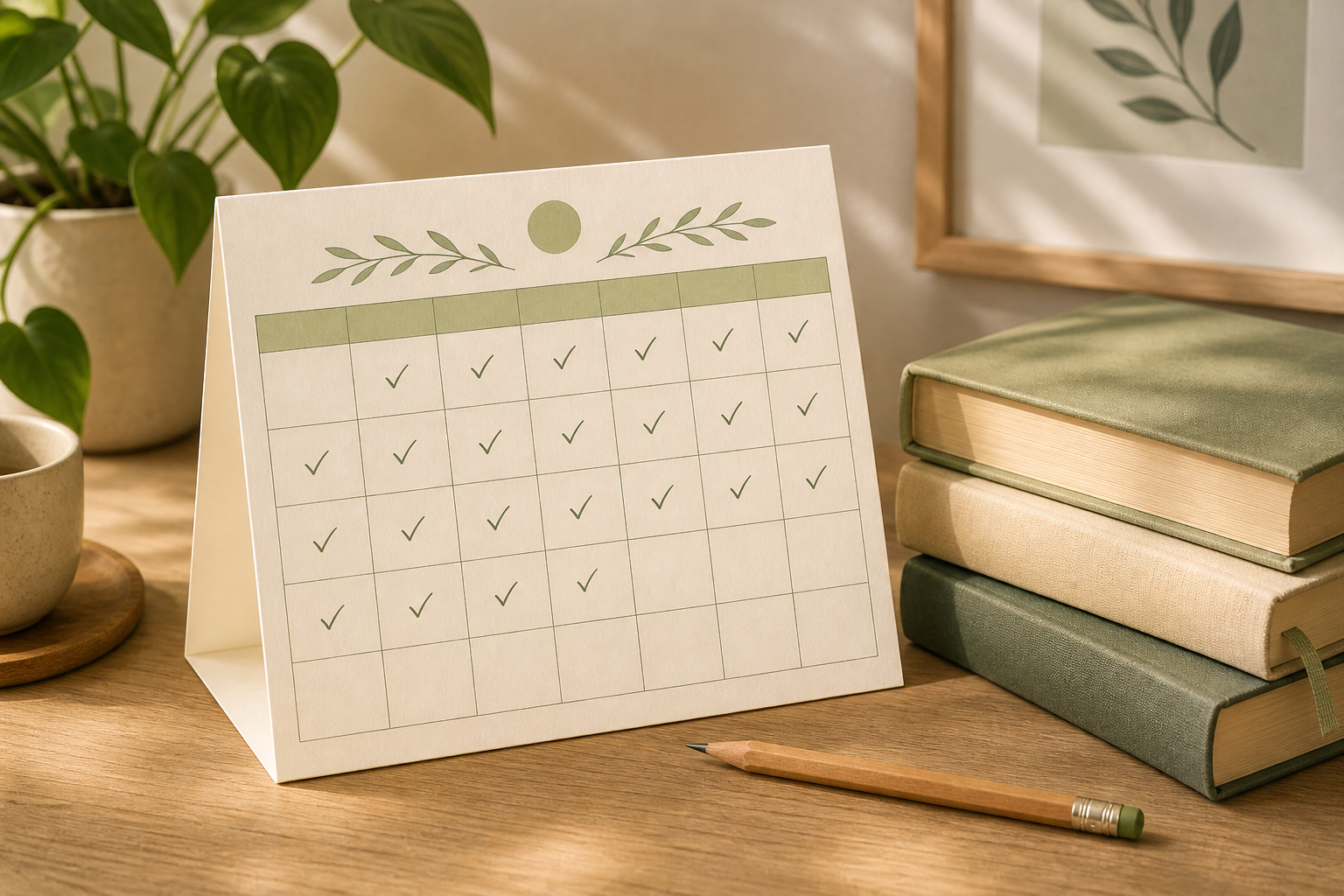
A reading tracker calendar with checkmarks and a small stack of books

A simple tracker makes progress visible — and motivating.

2. Anchor reading to something you already do

Habits stick when they attach to existing routines. Try pairing reading with:

  • Morning coffee — 15 minutes before checking your phone
  • Commute — audiobooks count; so does a Kindle on the train
  • Before bed — swap the last 20 minutes of scrolling for a chapter
  • Waiting — doctor's office, pickup line, airport gate

You don't need a dedicated hour. Consistent 15-minute sessions beat occasional marathon reading sessions every time.

3. Make books easier to reach than your phone

Willpower loses to convenience. Keep a book (or Kindle) on your nightstand, in your bag, and on the kitchen counter. Charge your phone in another room at night. Delete the apps that eat your attention.

E-readers help here: one device, one purpose. No notifications, no infinite scroll — just the next page.

Contrast between a distracting phone and calm focused reading on a Kindle

Reduce friction for books; add friction for distractions.

4. Always have a book queued up

Finishing one book and not knowing what's next is a common stall point. Keep a short "to-read" list — three to five titles ready to go. Ask friends for recommendations, browse your local library's hold list, or revisit books you loved as a kid.

Mix formats freely: hardcovers at home, audiobooks while walking, long articles saved to your Kindle for lunch breaks. It all counts toward building a reading life.

A reading setup with a book, Kindle, glasses, and notebook on a cream cloth

5. Give yourself permission to quit bad books

Nothing kills a reading habit faster than forcing yourself through a book you hate. Life is too short for chapter seven of a novel that lost you on page forty.

The 50-page rule works well: if you're not engaged after 50 pages, move on guilt-free. Your goal is to read more — not to finish every book you start.

6. Turn saved articles into reading material

Not everything worth reading is a book. Essays, investigative pieces, and long-form blog posts pile up in browser tabs — and rarely get read. Sending them to your Kindle turns "I'll read this later" into something that actually happens.

When an article lands on your e-reader alongside your books, it becomes part of your reading queue instead of digital clutter. You might be surprised how many "books" you finish this way.

If you use Chrome, Send Web to Kindle can convert any web article to EPUB and deliver it in seconds — fully local, no account needed.

A simple plan to start today

This week: Pick one book and one 15-minute daily slot.

This month: Finish that book, then immediately choose the next one.

This year: Track what you read. Adjust your goal in June if you're ahead or behind — progress beats perfection.

Read the web on your Kindle

Turn saved articles into EPUBs and add them to your reading queue.

Add to Chrome